
In this article
Microsoft Dynamics 365 Business Central Overview & 2026 Industry Position
Microsoft Dynamics 365 Business Central (D365 BC) stands as Microsoft’s cloud-based ERP solution tailored for small to mid-sized businesses (SMBs). As part of the larger Microsoft Dynamics 365 suite, it delivers core operational tools for finance, sales, service, and inventory management. For 2026, D365 BC cements its position as a smart, scalable, and deeply integrated ERP option that benefits from AI-powered automation and a robust Microsoft ecosystem. It addresses the modern needs of remote and hybrid workforces, automating compliance, optimizing workflows, and reducing long-term operational friction—all within a familiar Microsoft user experience.
From Launch to 2026: Microsoft Dynamics 365 Business Central’s Journey
Microsoft Dynamics 365 Business Central launched in April 2018 as a rebranded, cloud-optimized evolution of Dynamics NAV. Designed to simplify ERP for SMBs, it quickly became an anchor in Microsoft’s cloud-first strategy. Major updates have included tight Power Platform integration (2020), universal application via Teams (2021), embedded AI forecasting (2023), and role-based UI enhancements (2024). D365 BC’s 2026 strategy focuses on aligning operational intelligence with AI-driven decision-making, emphasizing automation, sustainability compliance, and end-to-end Microsoft 365 fusion in real time.
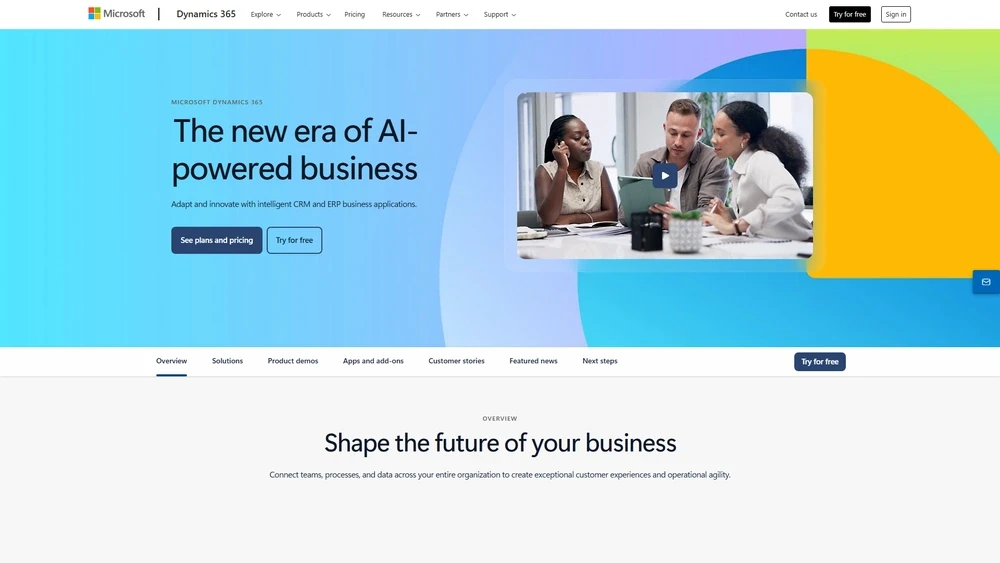
Microsoft Dynamics 365 Business Central Key Features
D365 BC’s rich feature set offers end-to-end business management:
- Financial and accounting automation with real-time bank reconciliation
- AI-powered sales and cash flow forecasting
- Multi-currency and intercompany capabilities for global SMBs
- Purchase planning and inventory optimization
- Embedded business analytics with Power BI integration
- Native integration with Microsoft Teams, Outlook, Excel, and Word
- Mobile access across Android, iOS, and web
Workflow & UX Enhancements
Dynamics 365 Business Central boasts a role-optimized layout, delivering dashboards and KPIs tailored to user function. Whether viewing purchasing trends or overdue receivables, users experience a responsive UI, inline tooltips, drag-drop interactions, and contextualized menus. Frequent upgrade feedback has streamlined its interface and shortened onboarding—with guided trials, sandbox environments, and AI annotations within forms. Outlook integrations mean quote-to-invoice can happen without leaving the inbox—a UX plus for multitaskers.
Microsoft Dynamics 365 Business Central Pricing Analysis & Value Metrics
Microsoft pricing remains transparent, with annual and monthly options based on users:
| Plan | Cost/User (Monthly) | Key Features |
|---|---|---|
| Essentials | $70 | Core finance + sales + inventory |
| Premium | $100 | All Essentials + manufacturing + service mgt |
| Team Members | $8 | Limited read/approval access, ideal for light users |
Value-wise, D365 BC stands out for bundling robust ERP features into flat-rate, per-user licensing with no data caps. Add-ons for payroll, expense, and eComm integration scale with third-party connectors—not mandatory spend.

Competitive Landscape
Compared to top ERP alternatives:
| Competitor | Key Difference | Best For |
|---|---|---|
| NetSuite | More enterprise features; higher cost | Mid-market+ with global ops |
| QuickBooks Online Advanced | Popular for accounting; lacks manufacturing | Simpler U.S.-based accounting-first teams |
| Zoho ERP | Modular pricing and CRM-heavy | CRM-centric SMBs layering POS + eComm |
Common Use Cases
- Wholesale & Distribution needing cross-warehouse stock management
- Light Manufacturing firms managing BOMs and production orders
- SaaS and service businesses balancing project-based profitability
- Nonprofits managing grants and compliance using financial wrappers
Microsoft Dynamics 365 Business Central Integrations
D365 BC shines with extensibility. Core integrations include:
- Microsoft 365 ecosystem (Outlook, Teams, Power BI, Excel)
- Power Automate + Power Apps for low-code customization
- Shopify and Square via standard API connectors
- Stripe, PayPal, and Adyen for payment handling
- Payroll add-ons (e.g., ADP, Gusto)
Pros & Cons
- Pros:
- Native Microsoft experience with tight toolchain synergy
- AI-enhanced workflows for smarter decisions
- Predictable pricing without compute/storage fees
- Low-friction integrations via Power Platform
- Cons:
- Initial learning curve for non-Microsoft users
- Customization often relies on technical partners
- Some industry-specific features require ISV plugins
Pro Tip: For smoother onboarding, launch with the sandbox environment to test real workflows before migrating legacy data.
Final Thoughts
For SMBs entrenched in the Microsoft ecosystem—or planning to move there—Microsoft Dynamics 365 Business Central represents a forward-thinking ERP investment. Its 2025 updates raise its value proposition substantially through AI forecasting, multi-cloud extensibility, and environment-aware workflows. However, pure newcomers to Microsoft's universe may find quicker wins in competitor products like Zoho or QuickBooks Advanced. That said, with scalable pricing and deep customization, D365 BC delivers unmatched cohesion and insight for digitally maturing organizations.
Microsoft Dynamics 365 Business Central Q & A
Does D365 Business Central support international operations?
Yes, it supports multicurrency, multilingual, and global tax compliance for over 40 countries, making it ideal for cross-border SMBs.
Can I integrate my payroll system into Business Central?
Yes, you can connect payroll platforms like ADP, Gusto, or Paychex via standardized APIs or third-party connectors on AppSource.
What’s the difference between Essentials and Premium plans?
Essentials covers finance and sales. Premium adds manufacturing and service management modules, ideal for operationally complex teams.
Is there industry-specific functionality?
Yes, through Microsoft AppSource or ISV partners, you can add industry extensions (e.g., construction, nonprofit, retail).
How long does it take to implement?
Average deployment runs 8–16 weeks depending on data complexity, integrations, and training requirements.


