
In this article
Descript has rapidly evolved into the go-to cloud-based AI video editor for creators, businesses, and teams that demand efficiency and flexibility. In this 2026 review, we assess the real-world value of Descript—from feature set and workflow to pricing and support, and how it stands out in a crowded market.
From Launch to 2026: Timeline
- Initial Release: Descript started as a simple audio transcript editor, quickly adding video capabilities.
- 2023: AI features for text-based and timeline editing, podcasting, and enhanced media exports.
- 2024: Launch of "Underlord"—AI video co-editor, with powerful agent-driven workflows.
- 2026: Descript positions itself as an end-to-end generative media suite for video, audio, and creative automation—trusted by global brands across industries.
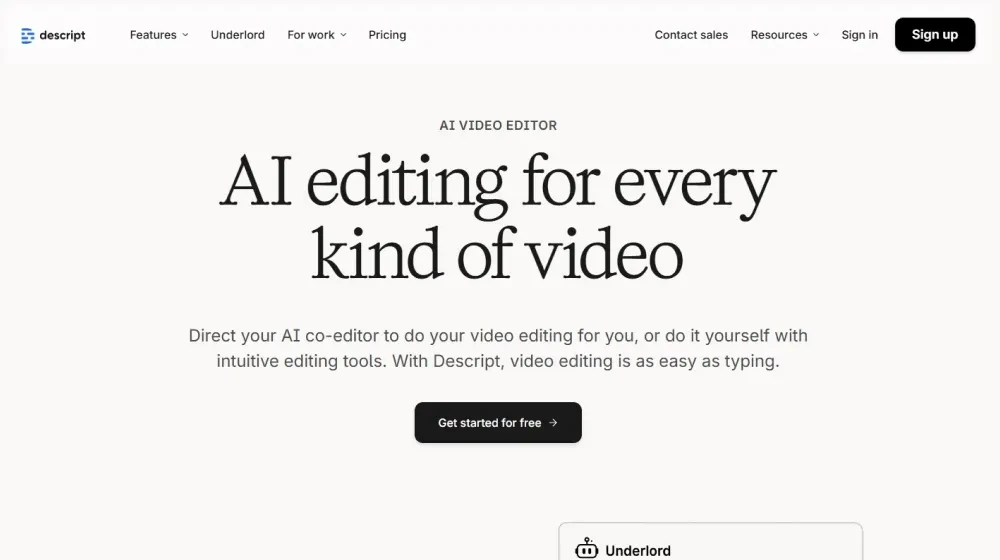
Key Features: Capabilities Snapshot
- AI-powered video and audio editing—edit as easily as changing text in a document
- Script generation, one-click feedback, and auto-editing via "Underlord" AI assistant
- Multitrack podcast editing and instant transcription with high accuracy
- Screen recording, video templates, captions, B-roll generation, and design automation
- Green screen, AI-powered eye contact, translation, studio audio enhancement, voice cloning, avatars, and more
- Robust export options: 720p, 1080p, and up to 4K based on plan; watermark-free
- Integration-ready: Supports uploading, sharing, and select third-party connections for workflow automation
Workflow & User Experience
- Text-based editing: Start by recording or importing. Instantly get a transcript. Edit your media by directly editing text—cut, move, or retake segments in moments.
- AI co-editor (Underlord): Orchestrate end-to-end projects using prompts—generate scripts, receive feedback, automate design, and output polished videos.
- Quick design and B-roll: Let Descript auto-create scenes, layouts, and even bespoke B-roll by describing the visuals you want.
- Timeline editing: For advanced users, gain full control over visual and audio timing, transitions, and effects, right inside your browser.
- Collaboration: Share projects with team members, add comments, and produce iterative content quickly—no separate tools required.
Descript Pricing
| Plan | Key Features | Pricing |
|---|---|---|
| Free | 1 media hour/month, 100 AI credits, 720p export, basic Underlord access, limited AI Speech trial | $0 |
| Hobbyist | 10 media hours/month, 400 AI credits, 1080p export, watermark-free, core AI tools (Studio Sound, Remove Filler Words, Create Clips), voice cloning | $16–24/mo (1 user) |
| Creator | 30 media hours/month, 800 AI credits, 4K exports, scale to 3 users, full Underlord AI access, generative video, unlimited stock media, top-ups | $24–35/mo per user |
Descript vs Alternatives
| Feature | Descript | Traditional Video Editors | Other AI Editors |
|---|---|---|---|
| AI Script & Text Editing | ✔️ Fully integrated | ❌ Manual/none | ✔️ Some |
| Automatic Transcription | ✔️ Fast, accurate | ❌ Add-on or manual | ✔️ Often |
| Podcast + Video Editing | ✔️ Audio & video | Usually one or the other | Often video only |
| Screen Recording | ✔️ Built-in | ❌ Separate tool needed | Varies |
| AI Visuals & B-roll | ✔️ Prompt-based | ❌ Manual | Limited |
| Voice Cloning/Avatars | ✔️ Yes | ❌ No | Limited |
| Learning Curve | Low—very accessible | High | Medium |
Pro Tip: Leverage Underlord to auto-generate entire social clips—just describe your ideal outcome and let Descript do the rest. Seasoned creators say this shaves hours off weekly content calendars.

Integrations
- Direct screen/audio recording and drag-and-drop file import
- Easy publishing and sharing to social, podcast, and enterprise channels
- Third-party integrations for transcription, storage, and collaboration (varies by plan; API/connectors evolving)
Pros & Cons
| Pros | Cons |
|---|---|
|
|
Final Thoughts
For creators and organizations looking to turbocharge their content production, Descript stands as a top-tier AI-powered video and podcast editor, blending text-based editing and generative media workflows. While media hour/credit limits and light integration may be trade-offs, its ease of use, continual AI innovation, and all-in-one value make it a best-in-class solution heading into 2026. Try Descript with a promo code to unlock your creative potential.
Descript FAQ
Is Descript HIPAA or GDPR compliant?
Yes, it meets GDPR standards and offers HIPAA compliance for eligible business plans (with a signed BAA).
Can I use my own custom domain?
Yes, white-label options and brand customization are available on higher plans; domain management may require setup.
Who is Descript best suited for?
Content marketers, educators, podcasters, agencies, and SMB teams needing fast, collaborative video editing.
Does it replace tools like Premiere, Final Cut, or Audacity?
For everyday video/podcast creation, yes. For advanced video compositing, traditional editors may still be needed as supplements.
What support does Descript provide?
Support includes knowledgebase, chat, and email for all plans; onboarding, live sessions, and enterprise options for higher tiers.


