
In this article
Handover Overview & 2026 Industry Position
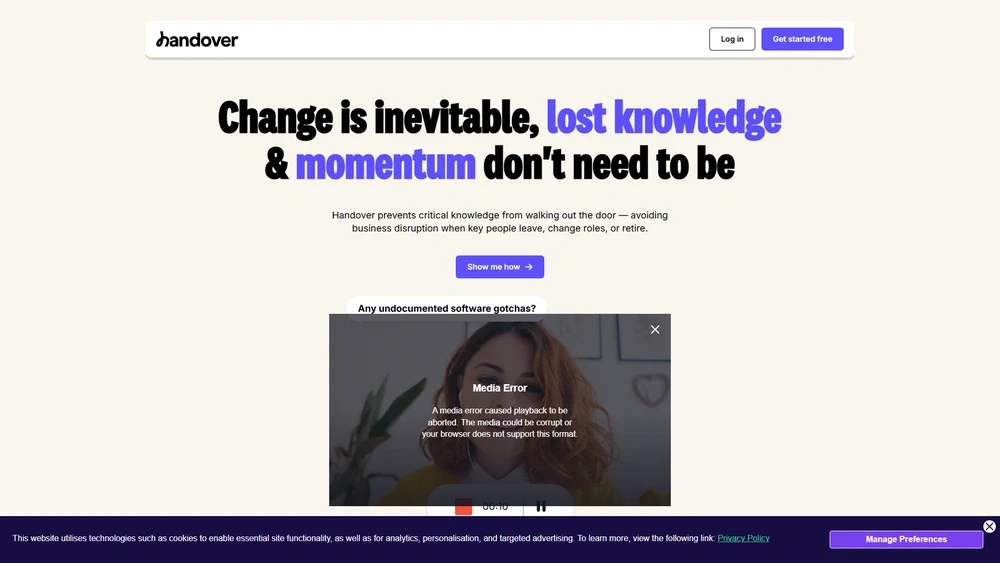
Handover is redefining how teams transition knowledge, responsibilities, and workflows by offering an intuitive platform for seamless, traceable handoffs across departments and roles. Purpose-built to tackle the inefficiencies of traditional knowledge transfers, Handover centralizes onboarding guides, exit briefs, standard operating procedures (SOPs), and real-time handoff protocols inside a collaborative system that's already gaining traction across tech, healthcare, finance, and agency teams in 2026.
The platform caters to mid-sized businesses and scale-ups where employee churn, cross-functional initiatives, and documentation debt pose operational risks and productivity drags. In a year when employee experience, operational resilience, and hybrid collaboration are top-of-mind, Handover has emerged as a go-to for modern continuity management.
From Launch to 2026: Handover’s Journey
Originally launched in early 2021 as a lightweight handoff checklist tool for agencies and customer success teams, Handover quickly evolved into a full-fledged transition management platform. Key milestones include:
- Q2 2021 – Initial beta of Handover launched with embedded task tracking.
- Dec 2021 – Raised $3.2M seed round to scale engineering and UX.
- Aug 2022 – Added AI-driven SOP generator and Slack integration.
- Feb 2023 – Version 2.0 launched with multi-role views, completion tracking, and internal handoff libraries.
- Nov 2024 – Introduced API access and policy-level controls for enterprise customers.
Handover in 2026 positions itself as a leader in process continuity and operational onboarding, with a clear strategy: to remove friction from every knowledge transition across the employee lifecycle.
Handover Key Features
Handover features combine operational rigor with intuitive flexibility. Notable differentiators in the 2025 feature suite include:
- Live Handoff Templates: Standardize role exits, transitions, project handovers with smart checklists and embedded SOPs.
- AI-Aided Knowledge Capture: Onboarding and departure interviews powered by generative AI to suggest structured documentation automatically.
- Shared Library: Centralized docs library with permission tiering, tag filters, and usage analytics.
- Slack + Email Sync: Direct integration with Slack threads and Gmail for context capture.
- Completion Trackers: Role-based visibility into progress, incomplete handoffs, and follow-ups.
- Multi-Role Visibility: Managers, HR, IT, and function leads can co-steer transitions with single-pane dashboards.
Workflow & UX
Handover delivers a rare blend of UX clarity and depth. From the paneled dashboard to task-based handoff progress views, everything is designed to keep friction low while supporting granular team needs. Users particularly appreciate:
- Clean role-based interface: View handovers relevant to each role or department.
- Inline document editing: Attach procedures and notes directly from within templates.
- Mobile-friendly flows: Crisp text hierarchy, collapsible segments, and responsive links make it accessible across devices.
Pro Tip: Team leads can create department-level templates once, then clone them for recurring projects or employee exits — dramatically reducing future handover time.
Handover Pricing Analysis & Value Metrics
As of July 2026, Handover offers three pricing tiers, scaling with team size and security/compliance needs:
| Plan | Monthly Price (USD) | Best For | Highlights |
|---|---|---|---|
| Start | $9/user/mo | Small teams (under 20) | 5 templates, Slack sync, PDF export |
| Growth | $17/user/mo | Cross-functional teams | Unlimited templates, shared libraries, checklist automation, analytics |
| Enterprise | Custom Quote | 200+ users or regulated industries | SAML/SSO, custom branding, audit logs, API access |
Value Assessment: Handover delivers high operational ROI by compressing onboarding time, reducing role transition waste, and improving documentation hygiene organization-wide.

Competitive Landscape
Handover faces competition from other documentation, onboarding, and workflow tools — but stands apart via its singular focus on transition quality.
| Tool | Strength | Limitations |
|---|---|---|
| Notion | Rich documentation, flexibility | Not handoff-specific, hard to track completion |
| Trainual | Employee training, SOP hosting | Less agile for short-term/project transfers |
| Guru | Knowledge management AI, browser extensions | No structured templates or transition workflows |
| Handover platform | Transition-first, collaborative, 360º handoff flow | Newer on the market, fewer native integrations than legacy tools |
Where Handover Excels: Use Cases
- Employee Offboarding: Capture contextual knowledge before talent exits and hand it off in role-ready format.
- New Hire Onboarding: Automate ramp-up paths tied to team, project, and responsibilities.
- Cross-functional Projects: Transfer ownership across departments without dropped briefs.
- Agencies and Consulting: Standardize SOPs and experience handoffs across clients and delivery staff.
- Medical or Legal Teams: Ensure compliance-tied workflows transfer between licensed professionals accurately.
Integrations & Ecosystem
In 2026, Handover has evolved its connectivity offering to support the largest surface area for handoff triggers and touchpoints:
- Slack – Thread and DM capturing with tag-to-handoff automation
- Google Drive – Embed policies, SOPs, and org handbooks natively
- Notion – Two-way linking for procedural guide syncing
- Zapier – Trigger handoffs from HR ops, forms, or exit interviews
- Jira – Transfer open tasks into owned workflows
Pros & Cons
- Pro: Transition-first workflows improve organizational resilience.
- Pro: Extremely usable by non-technical staff.
- Pro: Live templates and AI boost onboarding velocity.
- Con: Fewer integrations than alternatives like Confluence or Notion.
- Con: Limited insight into employee task context without task manager integrations.
Final Thoughts
Handover emerges in 2026 as a must-adopt operational tool for leadership teams serious about handoff hygiene, role transitions, and collaborative knowledge transfer. Its unique blend of templates, AI suggestions, and role-based oversight sets it apart from generic documentation platforms. SMBs and midmarket orgs will find a strong value match — particularly in fast-moving, remote, or regulated environments. While integration scope can grow, its niche mastery already delivers significant future-ready ROI.
Handover FAQ
Does Handover support SSO or enterprise security?
Yes, the Enterprise tier of Handover includes SAML/SSO, role-level permissions, audit logs, and compliance options like SOC2 and HIPAA readiness.
Is Handover useful for onboarding new hires?
Absolutely — you can create structured onboarding templates that walk new hires step-by-step through role responsibilities, key docs, and peer Q&As.
Does Handover replace tools like Notion or Confluence?
No, Handover complements these tools by occupying the transition layer — it connects, extracts, or embeds content from them into processes.
What sectors use Handover most in 2026?
Usage is highest in technology, healthcare, financial services, consulting, and education — anywhere knowledge and compliance intersect.
Can we automate handoffs via workflows?
Yes, via Zapier or the Handover API, you can trigger handoffs from HR forms, exits, Jira transitions or scheduled intervals.



