In this article
Motion Overview & 2026 Industry Position
Motion is an AI-powered productivity platform that combines task management, calendar automation, and team collaboration — all guided by a real-time task prioritization engine. In an increasingly fragmented SaaS landscape, Motion has carved out a growing niche by replacing standalone apps like to-do lists, personal calendars, and meeting planners with a single intelligent solution. As of mid-2025, Motion is gaining traction as a must-have for professionals and organizations aiming to reclaim focus and automate their daily routines.
From Launch to 2026: Motion’s Journey
Motion began as an AI calendar tool in 2020, initially focused on helping users optimize their daily schedules. It quickly evolved into an end-to-end productivity assistant powered by machine learning. Major inflection points include:
- 2020: Launched as an AI scheduling assistant
- 2021: Introduced task and calendar sync
- 2022: Team workspace and auto-planning features released
- 2023: Surpassed 100,000 user milestone
- 2024: Motion 3.0 merged GTD methodology with AI
- 2025: Launched adaptive workstreams for teams & integrations API libraries
For 2026, Motion’s thesis is simple: intelligent time is your most valuable asset, and Motion gives it back to you.
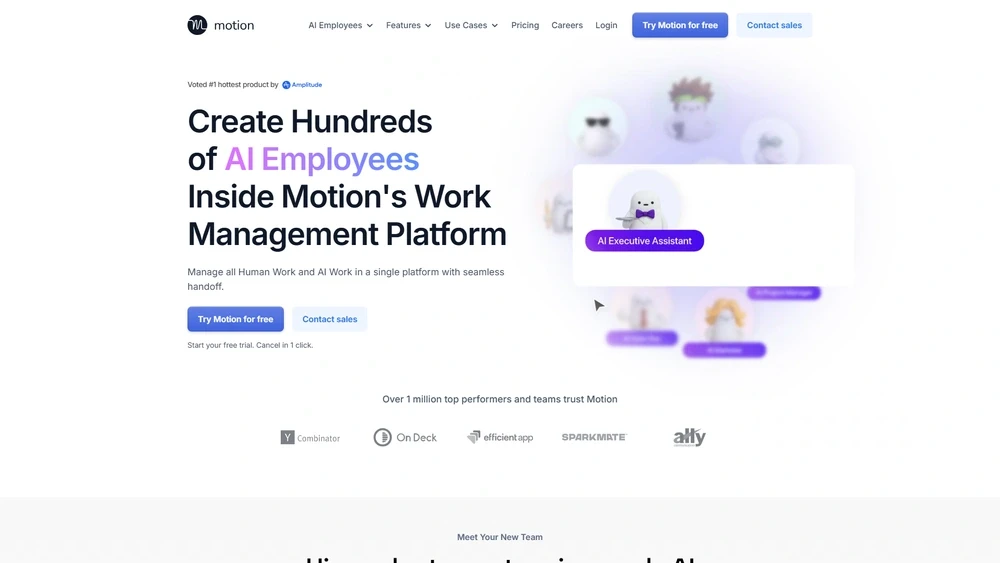
Motion Key Features
Motion operates as an intelligent productivity suite that blends cognitive AI with deeply embedded calendar and project tools. Its standout features include:
- Smart Planning Engine: Dynamically reorders tasks based on deadlines, priority, and energy levels.
- Unified Calendar + Tasks: Merges schedules, meeting links, and subtasks automatically.
- AI Delegation: Suggests what to defer, drop, or delegate based on workload.
- Team Productivity Hub: Assign, comment, and resolve directly within motion timelines.
- Meeting Auto-Scheduling: Proposes optimal slots and sends invites within context.
Workflow & UX
Motion’s interface walks a fine line between power and simplicity. The centerpiece is its dynamic timeline, which combines drag-and-drop task cards, AI-generated schedules, and rescheduling prompts. Users can:
- Easily resurface postponed tasks
- Quick Add from anywhere via shortcut
- Review focus metrics weekly
- Collaborate in shared project timelines with team visibility
Despite its robust backend, new users report acclimating in under 30 minutes due to Motion’s onboarding flows and AI-suggested walkthroughs.
Motion Pricing Analysis & Value Metrics
| Plan | Price (Monthly) | Inclusions |
|---|---|---|
| Individual | $22/mo | 1 User, AI tasks & scheduling, personal workflows |
| Team | $79/mo (5 seats) | All individual features + shared projects, collaboration tools |
| Enterprise | Custom | SSO, Admin tools, usage analytics, dedicated support |
Value Assessment: Motion’s pricing aligns with AI-first planning tools, offering strong ROI for solo professionals and mid-size teams looking to regain cognitive hours.

Competitive Landscape
| Competitor | Strengths | Limitations |
|---|---|---|
| Clockwise | Smart calendar syncing | No task planning |
| Notion | Custom database tools | No dynamic scheduling |
| ClickUp | Robust work/project mapping | Steep learning curve |
| Google Calendar | Free, simple interface | No intelligence layer |
Motion's core differentiator is its real-time AI engine that prioritizes tasks and reschedules without manual input — something few others attempt at scale.
Use Cases
Motion excels for operationally busy professionals and lean teams where time is fragmented. Top user profiles include:
- Freelancers juggling complex client deliverables
- Startup founders managing meetings, strategy, sprints
- Sales teams optimizing follow-ups around scheduled calls
- Remote teams coordinating across time zones
Integrations & Ecosystem Extension
As of 2026, Motion supports smart integrations across:
- Calendar: Google Workspace, Outlook, Apple Calendar
- Project: Asana, Linear, Trello
- CRM: HubSpot, Salesforce sync (Team tier)
- Video: Zoom, Google Meet
Bidirectional APIs and webhook triggers allow power users to automate workflows from task creation to meeting capture.
Pros & Cons
- Pros: Seamless AI planning, calendar+task merging, intuitive UX, team collaboration built-in
- Cons: Pricing is steep for solopreneurs, feature lockouts below Team plan, some integrations still in beta
Pro Tip: Use "Focus mode" in Motion during deep work — it automatically silences rescheduling nudges and locks in blocked hours.
Final Thoughts
Motion meets the moment for task-fatigued professionals in 2026. It’s best suited for users whose time fragmentation isn’t solved by simple task lists or standard calendar apps. While not ideal for budget-seekers, the payback is clear in daily clarity and team alignment.
Motion FAQ
Is Motion a task app or a calendar app?
Motion blends both — it automatically schedules your tasks into your calendar using AI, replacing separate to-do and scheduling tools.
How does Motion handle recurring tasks?
Motion supports recurring tasks with smart placement — it only schedules them where time realistically allows and adjusts as plans shift.
Can you use Motion offline?
Motion requires internet to run its AI planning logic. While you can view content offline, scheduling and task management require a live sync.
Does Motion offer a mobile app?
Yes, Motion has mobile apps for iOS and Android, with real-time updates to your calendar and AI planning running seamlessly.
What is Motion’s refund policy?
All Motion plans come with a 7-day free trial. After that, you can cancel anytime, but charges are non-refundable for the current billing cycle.