In this article
Google Meet Overview & 2026 Industry Position
Google Meet has evolved into one of the leading enterprise-grade video conferencing solutions available today. Initially a standalone service, it now sits at the heart of Google's productivity suite, pushing forward with AI-driven experiences and cross-ecosystem integrations in 2026. In an increasingly hybrid, remote, and on-the-go working world, Google Meet continues to distinguish itself with secure-by-default protocols, reliable HD-quality communication, and an intuitive interface powered by evolving machine learning features.
From Launch to 2026: Google Meet’s Journey
Launched in March 2017 as a part of Google's G Suite (now Workspace), Google Meet began as a secure, business-centric alternative to Hangouts. In 2020, amid the pandemic, it saw a 30x surge in usage, becoming widely available to individuals. Key milestones include:
- 2017: Launched as a successor to Google Hangouts Meet
- 2020: Free version rolled out to all Gmail users
- 2022: Deep Workspace integration and calendar-based smart join links
- 2023: Adaptive audio and AI-powered de-noising added
- 2024: Invicta update introduced multi-device join and live translated captions
- 2025: New multi-modal meeting layer with embedded AI summaries
In 2026, Google Meet’s strategy revolves around frictionless, AI-enhanced collaboration across devices and ecosystems — with privacy, scalability, and mobility at its core.
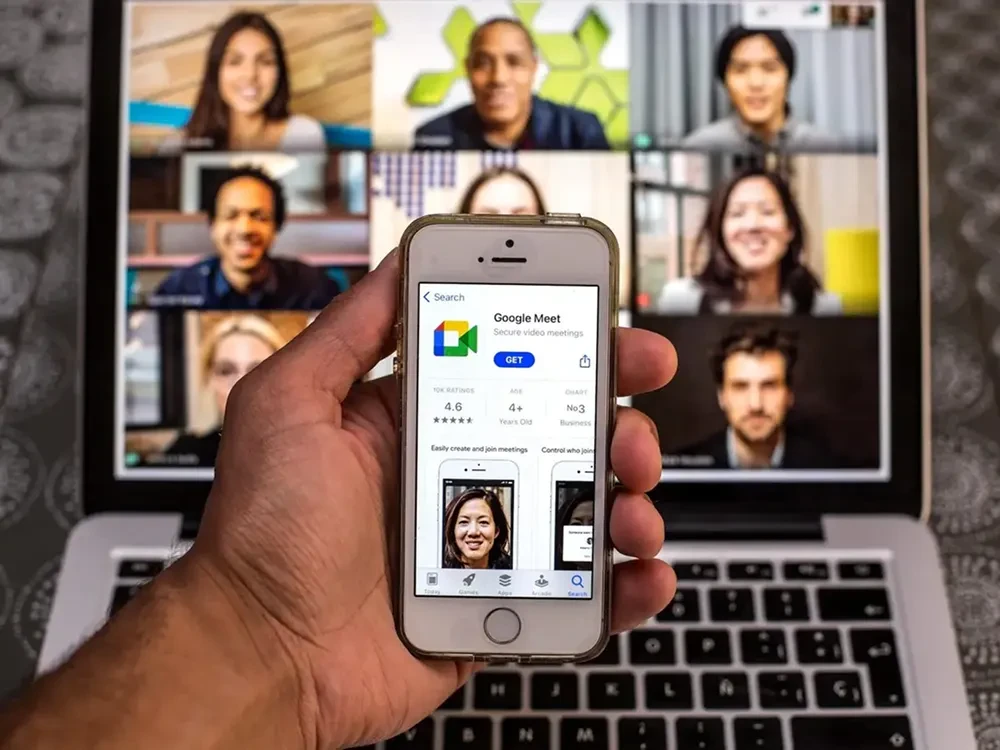
Google Meet Key Features
Google Meet brings modern collaboration features into a well-orchestrated platform with tight Workspace and Pixel ecosystem alignment. Core features in 2026 include:
- AI-powered live captions in 15+ languages
- Noise cancelation powered by Gemini LLM
- Real-time translated captions
- Meeting summaries auto-generated post-call
- Breakout rooms, polls, and Q&A for engagement
- Adaptive video quality based on bandwidth
- Join from any device — browser, Android, iOS, Smart TV, or Nest Hub
- In-call hand raise detection and co-host support
- Seamless calendar and Gmail integration
Workflow & UX
The 2025 user experience focuses on simplicity across devices. Joining a meeting via calendar links, Gmail invites, or direct Meet URLs is seamless. Controls are prominent but minimal, and gestures (on mobile) or keyboard shortcuts (on desktop) streamline navigation. New features include:
- Meeting snapshot bar for quick revisit of action points
- AI participation coach for moderation and time checks
- Sidebar agenda view when importing from Google Calendar
The UX remains consistent across desktop, mobile, and devices like the Google Pixel Tablet or Nest Hub Max.
Google Meet Pricing Analysis & Value Metrics
As of July 2026, here is Google Meet’s updated pricing structure:
| Plan | Monthly Price | Key Inclusions |
|---|---|---|
| Free | $0 | 60-minute meetings, 100 participants, screen sharing, live captions |
| Workspace Business Starter | $6/user | 100-participant limit, 30 GB storage, US-based support |
| Workspace Business Standard | $12/user | 150 participants, 2 TB storage, noise cancelation, recording |
| Workspace Business Plus | $18/user | 500 participants, attendance tracking, enhanced security |
| Workspace Enterprise | Custom | 1K+ participants, streaming, Gemini AI expansion, DLP/Security keys |
Value Assessment: The Standard plan hits a sweet spot for SMBs; larger orgs benefit from Enterprise AI capabilities.

Competitive Landscape
Google Meet faces strong competitors, each with niche advantages. Here’s a snapshot:
| Tool | Best For | Key Difference |
|---|---|---|
| Zoom | Cross-org large webinars | More webinar-specific features |
| Microsoft Teams | MS Office-heavy enterprises | Native integration with Office 365 |
| WebEx | Legacy enterprises | Robust controls and whiteboarding |
| Slack Huddles | Agile teams, DevOps | Quick-informal meetings |
| Google Meet Business | All Workspace users | Ecosystem-first, AI-enhanced simplicity |
Popular Use Cases by Industry
Google Meet excels in scenarios where speed, security, and reliability intersect. Key industries and uses:
- Education: Virtual classrooms, lecture capture, one-tap parental joins
- Healthcare: HIPAA-compliant virtual consultations
- Tech teams: Product demos, agile sprint planning, interview loops
- SMBs: Internal/external meetings with branded backgrounds and client engagement tools
- Consultants/Freelancers: Portability across devices with shareable summary links
Google Meet Integrations
With native Workspace links and expanded APIs, Google Meet works across:
- Google Workspace: Calendar, Gmail, Docs, Sheets
- Third-party CRMs: Salesforce, HubSpot
- Project Tools: Asana, Notion, ClickUp
- Video Hardware: Logitech Rally, Poly Studio, Series One Rooms
- Finance/Pay: Stripe, Google Pay integration during consults
Pros & Cons
- Pros: Smart AI summaries; real-time translated captions; clean UI; minimal learning curve; device flexibility; secure-by-default
- Cons: Feature-rich only in paid tiers; lacks webinar-level control; advanced features require Workspace ecosystem
Pro Tip: Use the Chrome extension "Google Meet Enhancement Suite" to add keyboard shortcuts, auto-join settings, and more to improve your meetings.
Final Thoughts
For Workspace users or teams balancing quality with simplicity, Google Meet Enterprise is a top pick in 2026. Its AI-powered summaries, minimal interface, and native integrations deliver speed and scale without bloat. However, larger organizations with niche policies, or high-volume webinar needs, may find Zoom or WebEx a better match. Still, Meet’s 2025 updates mark it as both a mainstream and future-proof player.
Google Meet FAQ
Does Google Meet record meetings by default?
No, meetings are not recorded by default. Only Business Standard or higher plans allow manual recording.
Can non-Google users join a Google Meet call?
Yes, users without a Google account can join via shared links after host approval.
Is Google Meet encrypted end-to-end?
Standard meetings use transport encryption; end-to-end encryption is available for 1:1 calls and paid tiers.
How many people can join a Google Meet video call?
Depending on the plan: Free (100), Standard (150), Plus (500), Enterprise (1,000+).
Does Google Meet offer transcription or summaries?
Yes, AI-generated post-meeting summaries and live transcription are included in Business Plus and Enterprise tiers.